
April 15, 2026 · #iptv#apple-tv#setup
How to Set Up IPTV on Apple TV (2026 Guide)
Install IPTV on Apple TV with IPTV Smarters or GSE Smart IPTV — a clean step-by-step setup plus the fixes for common playback issues.
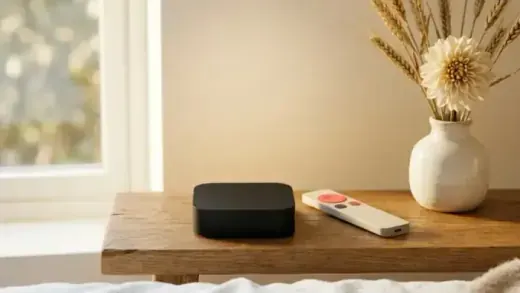
Quick answer: On Apple TV, install “IPTV Smarters” or “GSE Smart IPTV” from the App Store, add a new Xtream Codes or M3U playlist, enter the login we send, and your channels load.
Step-by-step
- Open the App Store on Apple TV and install IPTV Smarters or GSE Smart IPTV.
- Choose “Add playlist” → Xtream Codes API or M3U URL.
- Enter your credentials and load the channel list + EPG.
Full guide: Apple TV setup · compare the best players.
FAQ
Why is playback stuttering on Apple TV?
Usually the connection — use 5GHz Wi-Fi or Ethernet and check your speed. Fix buffering.
View TopOne IPTV plans — instant activation after checkout, with a 30-day money-back guarantee.